How to see which photos your client picked
The simplest way is to give your client every frame in one place and ask them to mark their picks right there — not to send file names or screenshots in a message. Their choice then gathers into one list you can see yourself: no “IMG_4121, and the one where I’m laughing”, no copying numbers, no frames lost between messages. What matters is that the client sees the frames rather than file names, can open each one full screen and change their mind, and that you see the current picks at any moment and edit exactly those.
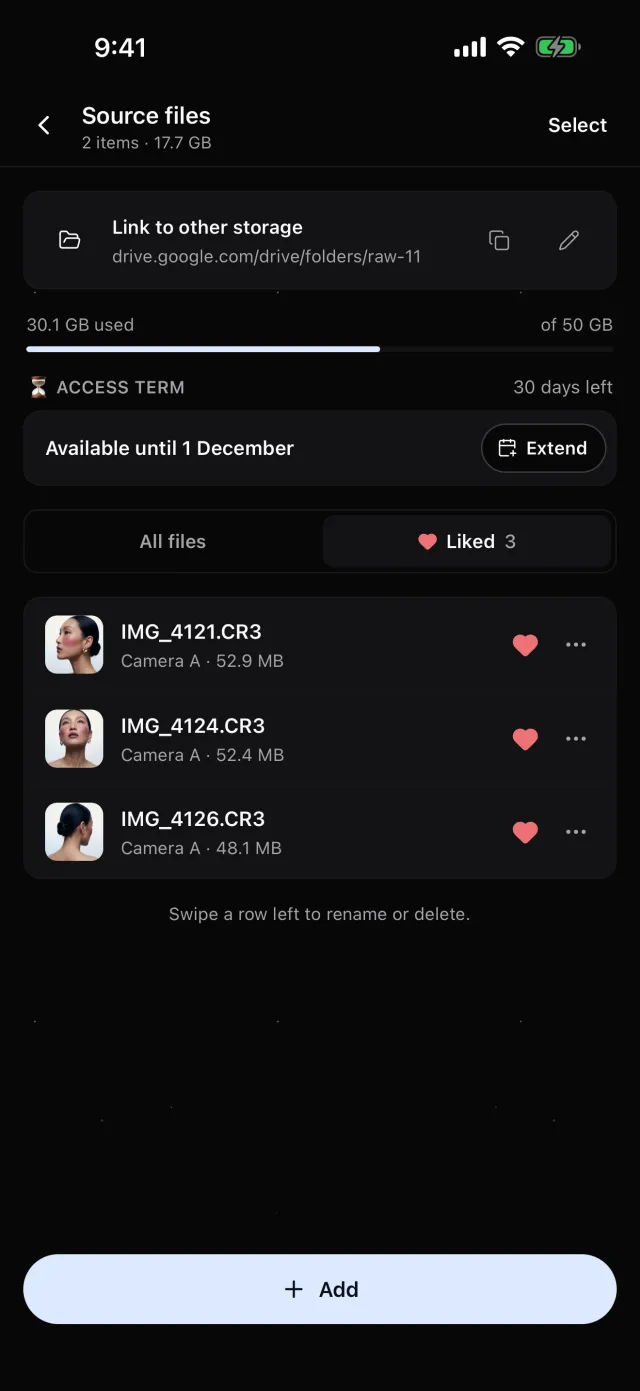
In Luna Shoots your client opens the raw files by link and likes the frames to edit. You see their picks right away under Liked — with thumbnails even for RAW.
How to ask your client to choose
Before you send the frames, tell them three things:
- How many photos the package includes — so the picks don’t grow to a hundred.
- The date you need their picks by — your delivery deadline counts from it.
- How to mark them — one tap per frame, no comments in the chat.
If they pick more than the package, it’s a good moment to offer extra photos.
What your client sees
It has to be easy for the client to actually look: large previews, swiping through, taking a pick back. A list of file names or an archive to unzip is the surest way to get picks as screenshots.
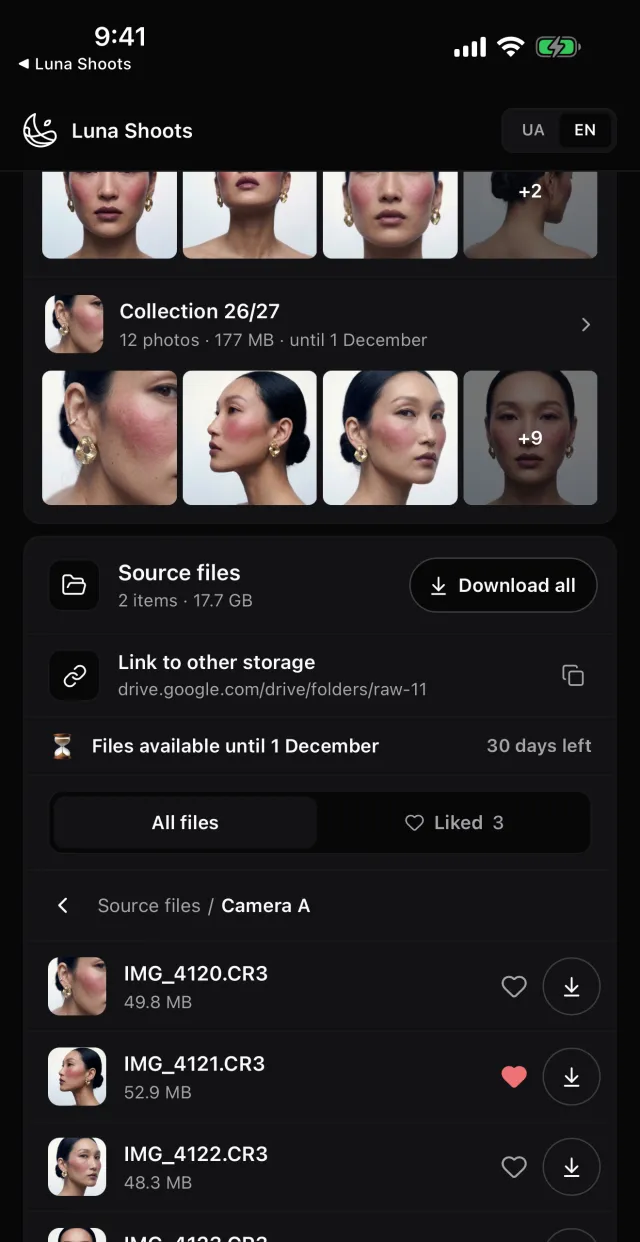
Luna Shoots:your client opens the shoot by link in a browser, no app and no sign-up. They see your folders with thumbnails — even for CR3, NEF, ARW — open a frame full screen and swipe through. The heart is on the row and in the viewer; Liked gathers everything they’ve marked from every folder.
How you see their picks
You need one list of the picked frames — with file names, so you can find them in your editing software — that updates itself when the client changes their mind.
Luna Shoots:in Source files on the iPhone or the web, switch to Liked — every frame your client marked, in one list, with its file name and folder. Only the client can change the picks: the heart shows their choice.
When the photos are edited
Deliver finished photos apart from the raw files — as a gallery your client opens by one link and downloads from without losing quality.
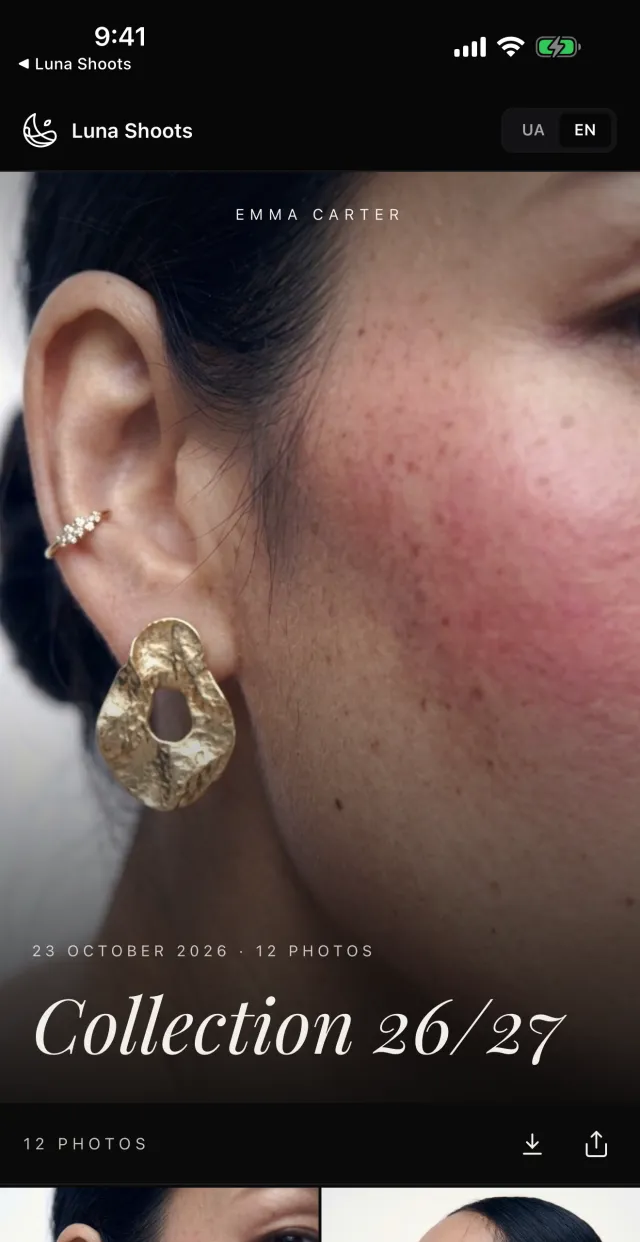
Luna Shoots:a gallery of finished photos by link: your client browses it and downloads the Original, the For social media version, or every photo at once — on a phone, straight into Photos.
How long to give for picking
Open the frames for a set time and tell your client how long — that way picking doesn’t drift for a month. If they need more time, you can always extend it.
Luna Shoots:access to raw files lasts 30 days from the first upload. You can extend it by 7, 14 or 30 days, remove the term, or reopen it after it closes. Your client’s picks are kept even while access is closed.
Questions
Does my client need to sign up?
No. They open the shoot by link in a browser, on any phone or computer.
Can my client like photos in the finished gallery?
No. The hearts are on the raw files — where the client picks the frames to edit. The gallery is for photos that are already finished.
Does my crew see the client’s picks?
No. A crew member’s link carries none of the shoot’s files.
How much space do I get for files?
50 GB with Luna Shoots and 200 GB with Luna Shoots PRO — shared between galleries and raw files.