Photographer CRM: clients, payments and deadlines in one place
A photographer CRM keeps one record per shoot: the client and their contact, date and time, the location, the price, the deposit and what’s outstanding, and the date the photos are due. With all of it in one place, you see three things in a minute: who still owes you, which photos are waiting to be edited, and what you earned this month. A spreadsheet or your notes can hold the same columns, but they won’t remind you of a deadline or show you which day is free. That’s what a CRM adds: the shoot record does the maths and keeps track of the dates.
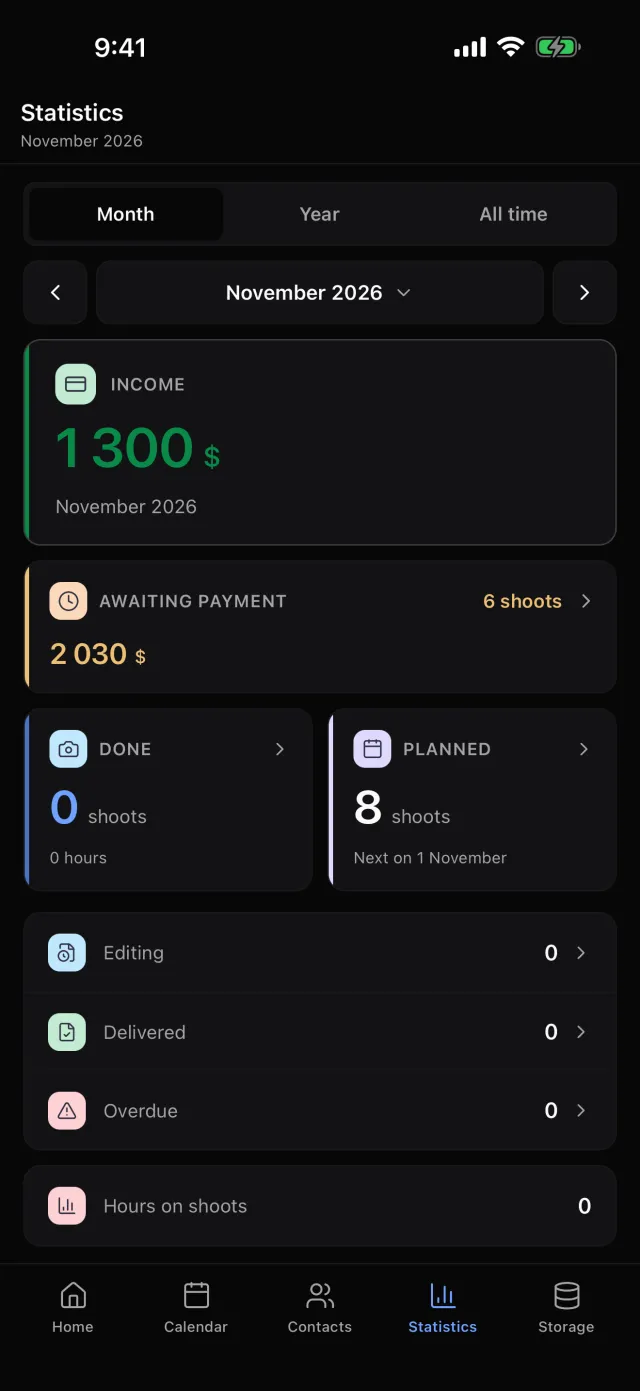
In Luna Shoots every shoot is one card: client, date, location, price with deposit and the delivery deadline. Statistics shows your income and who still owes you.
What to record for every shoot
The minimum that makes tracking work:
- Client and contact — so you’re not digging through chats for a number.
- Date, start and end time — with hours you can tell whether another shoot fits that day.
- Location — an address, not “that studio downtown”.
- Price, deposit and outstanding — three numbers, not one.
- Delivery deadline — the date the client expects the finished photos.
- Stage — shot, editing, delivered.
The rest — references, crew, notes — helps, but tracking rests on these six.
How not to lose track of payments
Record a deposit the moment it arrives, not “later”. The balance then works itself out, and at the end of the month you don’t have to remember who sent what. Once a week, look at the shoots with a balance above zero — that’s what you’re owed.
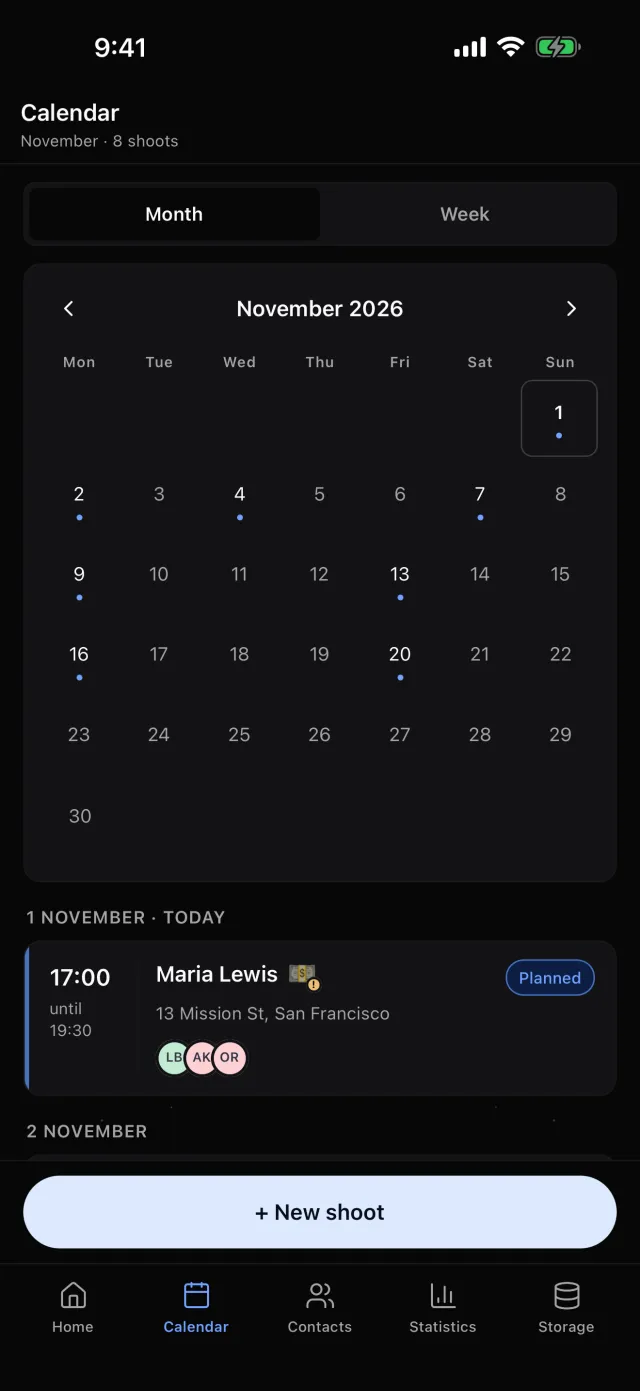
Luna Shoots:price, deposit and balance on every shoot; mark a shoot paid in one tap and 💵 appears on its day in the calendar. «Awaiting payment» in Statistics opens the list of everyone who still owes you.
How not to miss a delivery date
Set the delivery date as soon as you agree it with the client, and move the shoot through stages: shot → editing → delivered. A deadline is missed less often because of editing than because nobody remembered it.
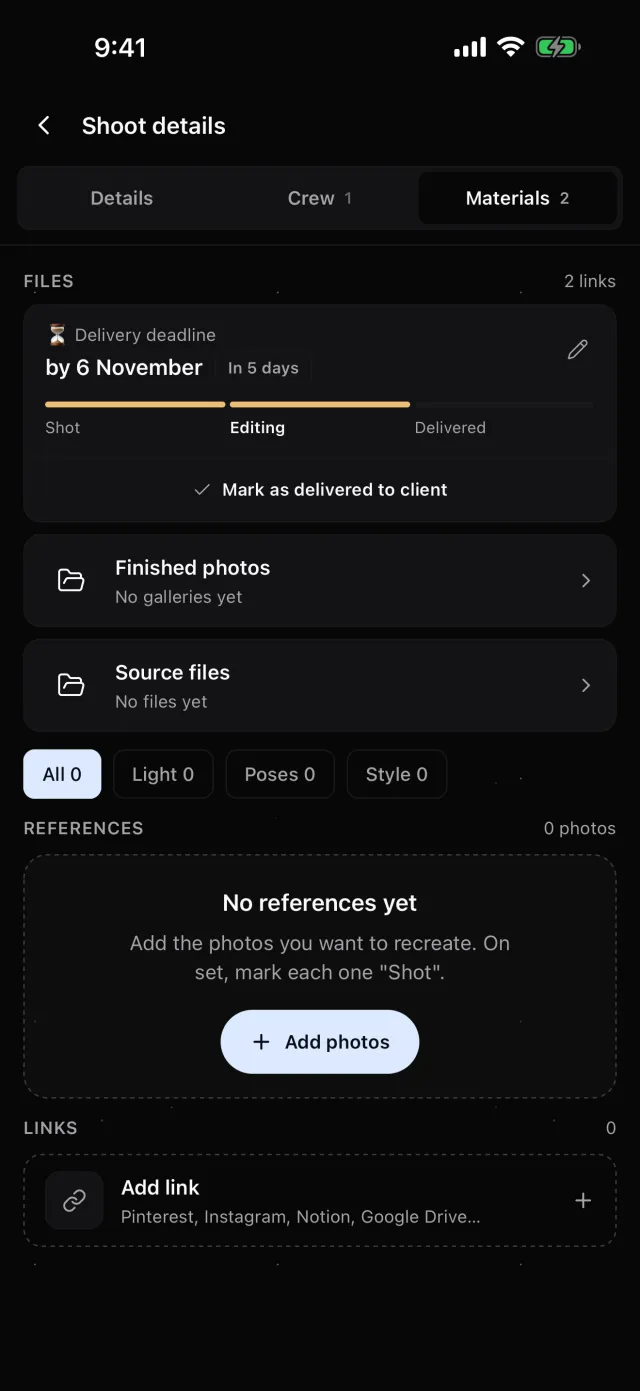
Luna Shoots:a delivery deadline on every shoot, with the stages Shot → Editing → Delivered. A reminder arrives the morning before it’s due, and another if it’s missed.
How to know your income by month and year
Count income only from what’s been paid, and keep what’s expected apart — otherwise a month looks better than it is. If clients pay you in different currencies, don’t add dollars to euros: count each one on its own.
Luna Shoots:Statistics shows income in every currency, number of shoots and hours — by month, year and all time. You choose the currency for each shoot: US and Canadian dollars, euros, pounds, hryvnias, złoty, Czech koruna and dirhams.
Spreadsheet or CRM
A spreadsheet works while you have a few shoots a month: it’s free and flexible. But it doesn’t remind you, doesn’t show a calendar, and is awkward on a phone exactly when a client asks “are you free on Saturday?”. A photographer CRM takes the same columns and adds what a spreadsheet can’t: reminders, a calendar and a running total of who owes you.
Questions
Does Luna Shoots take payments from clients?
No. The app records the price, deposit and balance; you get paid the way you always do.
Is there an Android version?
For now the app is iPhone only. The links for your client and crew open on any phone.
Is there a web version?
Yes, at app.lunashoots.com. You create your account in the iPhone app, and on your computer you sign in by scanning a QR code with your phone.
How much does it cost?
The first 14 days are free. Then a subscription on the App Store; the price depends on your country — you see the exact one in the app before you subscribe.